
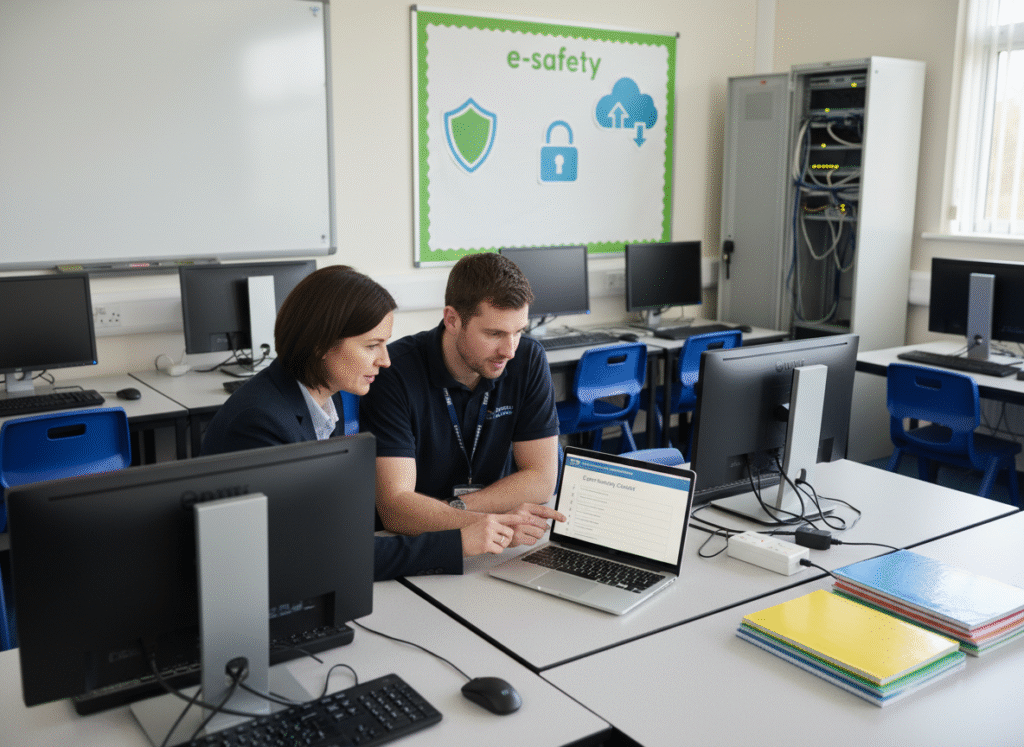
Cyber security is now a day-to-day operational risk for schools and trusts. For Headteachers, Deputy Heads, School Business Leaders and MAT leaders, the challenge is balancing safeguarding, teaching continuity, and budget control, while making sure systems and data are protected.
Spring term is a great time to run a quick, structured review: you’re far enough into the year to see what’s working, and early enough to fix gaps before exams, peak workload, and summer projects.
This school cyber security checklist gives you practical steps you can action with your IT team or provider.
Why spring term is the right time to review cyber security
January to March is a useful window because:
- New starters and role changes from September are fully embedded (access often needs tidying)
- You can schedule training and improvements before the busiest periods
- Budget planning is underway, so you can prioritise spend based on risk
- You can reduce disruption by planning changes outside peak teaching times
What ‘Cyber Security’ means in a school context
A school cyber security plan typically covers:
- User accounts and access control (staff, pupils, governors)
- Email security and phishing protection
- Device security (laptops, iPads, staff mobiles)
- Network security (Wi-Fi, segmentation, guest access)
- Backups and disaster recovery
- Safeguarding and filtering/monitoring requirements
- Incident response (what you do when something goes wrong)
The school cyber security checklist
Use the checklist below as a spring-term review.
1) Confirm who owns cyber security decisions
Cyber risk falls between IT and leadership unless it’s clearly owned. Agree:
- Who is the accountable lead (often SLT/SBL/MAT central)
- Who is responsible day-to-day (IT lead or managed service provider)
- How incidents are escalated and communicated
2) Clean up accounts and access (quick win)
Account sprawl is one of the biggest school risks. As part of your school cyber security checklist, confirm:
- Leavers’ accounts are disabled promptly (staff and pupils)
- Shared accounts are removed or tightly controlled
- Admin access is limited to named individuals
- Password reset processes are secure
If you can, add multi-factor authentication (MFA) for staff accounts, especially email and admin tools.
3) Review email and phishing resilience
Email is still the most common entry point. Check:
- Staff receive regular phishing awareness reminders
- Suspicious email reporting is easy (one-click or clear process)
- External sender warnings are enabled (where appropriate)
- You have a plan for business email compromise (invoice fraud is common)
4) Patch and update devices (and prove it)
Ask your IT provider for a simple report showing:
- Patch compliance for staff devices
- How quickly critical updates are applied
- What happens to devices that are out of date
If you have BYOD or unmanaged devices, document the risk and decide what access they should (and shouldn’t) have.
5) Check backups and run a restore test
Backups are only useful if you can restore. Confirm:
- What is backed up (cloud data, servers, MIS exports, key documents)
- How often backups run
- Where backups are stored (and whether they are protected from ransomware)
- When you last tested a restore
A spring-term restore test is one of the highest impact actions in this checklist.
6) Validate filtering/monitoring and safeguarding alignment
Cyber security and safeguarding overlap. Ensure your approach supports:
- Appropriate filtering and monitoring expectations
- Clear reporting routes for online safety concerns
- Staff awareness of what to do if they see something worrying
7) Supplier due diligence: what to ask your IT provider
When comparing managed IT or cyber suppliers, ask:
- Do you have experience supporting schools or MATs?
- What security standards do you work to (and what evidence can you share)?
- What is included: monitoring, patching, backups, incident response?
- How do you handle incidents (timelines, communication, post-incident review)?
- What reporting will we receive (monthly/termly)?
8) Create a simple incident response plan (one page)
You don’t need a huge document. Agree:
- Who to call first (internal + supplier)
- How to isolate affected devices
- How to communicate to staff/parents if needed
- What evidence to preserve
- What services must be restored first (email, MIS, safeguarding systems)
External guidance worth bookmarking
These UK resources are useful starting points:
- National Cyber Security Centre (NCSC): https://www.ncsc.gov.uk/
- UK Government cyber security guidance start page: https://www.gov.uk/
Find and compare cyber security companies on the National Register of Education Suppliers
To find and compare trusted providers on the National Register of Education Suppliers, browse the school cyber security category here: https://incensu.co.uk/single-category/cybersecurity/.
If you’re a school and want to share your experience, you can recommend a trusted supplier here: https://incensu.co.uk/recommend-a-school-supplier/
Final checklist summary
Before you sign off spring-term actions, confirm:
- Account access is controlled and leavers are removed quickly
- MFA is enabled for key staff systems where possible
- Devices are patched and you have visibility of compliance
- Backups exist and you’ve tested a restore
- Filtering/monitoring supports safeguarding expectations
- Your supplier can evidence school experience and clear reporting
Using this school cyber security checklist helps you reduce disruption risk, protect sensitive data, and strengthen resilience across your school or trust.