
PROCUREMENT HUB

School Security & Safeguarding

Plan and procure school security and safeguarding improvements with a simple checklist, clear specification prompts and trusted supplier guides for common projects — designed for schools, academies and multi-academy trusts.

Useful for headteachers, DSLs, SBMs, site teams and MAT estates/operations leads.
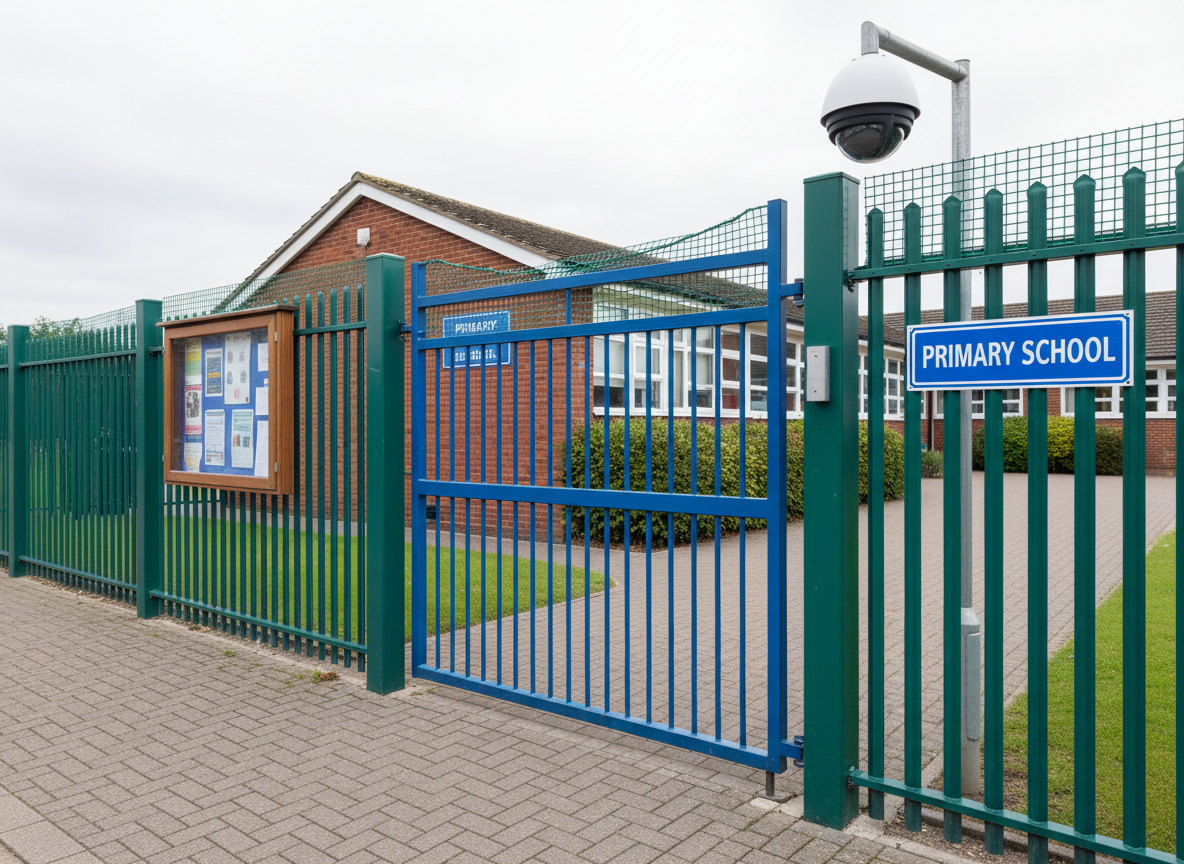
School gate security and safeguarding planning

Autumn term 2026 priority checks

A quick set of checks to run before pupils return and again after the first half term.

  • Confirm visitor management/access control is working and staff know the process (including late arrivals)
  • Review entry points at peak times (start/end of day) to reduce “tailgating” and unauthorised access
  • Check CCTV coverage for blind spots and confirm who can access footage day to day
  • Confirm GDPR basics: retention, access controls, and a clear process for requests and incidents
  • Test online safeguarding alerts and escalation routes (who receives what, and when)
  • Confirm safeguarding induction/training is in place for new staff, volunteers and regular contractors
  • Run a short incident/lockdown scenario walk-through (roles, comms, muster points)
  • Log actions and store evidence in one place for review and audit

At a glance: 10-point Procurement Checklist

School security & safeguarding: what to do and when

Use this timeline to keep procurement, lead times and site compliance on track.

4-8 weeks before (define & plan)

Clarify the risk and outcome you need, then confirm scope (single school, shared site or MAT wide). Draft a simple one page specification and agree budget, responsibilities and the procurement route.

3-6 weeks before (shortlist & get quotes)

Shortlist trusted suppliers and issue an RFQ so you can compare like for like. Ask for evidence of education experience and support arrangements, and for software solutions book a demo and confirm how escalation will work.

If you’re comparing systems, use our guide to visitor management and access control in schools to shape your spec and questions.

1-3 weeks before (select & prepare)

Select your preferred supplier, confirm the implementation plan and day to day ownership. Finalise GDPR and data protection documentation, schedule installation or rollout dates. Brief staff and/or provide training.

For CCTV projects, see CCTV in schools: specification and GDPR essentials before you finalise retention, access and permissions.

Go-live & first 30 days (embed & review)

Complete installation or rollout, run the handover, and test key scenarios such as visitor entry, lockdown procedures and safeguarding escalation. Capture any issues early, adjust processes, and set a review date.

For online monitoring and escalation, read Cybersecurity and online safeguarding: what good looks like and check staff onboarding using Safeguarding training and induction: what to check.

Find trusted suppliers for security, safeguarding and online safety

Browse categories to find trusted suppliers for school security, safeguarding and online safety.

Guides in this hub

Use these practical guides to plan specifications, compare quotes and keep works on track.

Visitor management and access control in schools

What to specify, what to ask suppliers, and common pitfalls that create safeguarding gaps.

CCTV in schools: specification and GDPR essentials

A practical guide to coverage, retention, access controls and day-to-day operation.

Cybersecurity and online safeguarding: what good looks like

How to choose solutions that support monitoring, reporting and escalation without overwhelming staff.

Safeguarding training and induction: what to check

How to confirm training, induction and reporting routes are in place when staff, volunteers or third parties are involved.

FAQs

Quick answers to common questions schools and trusts ask when planning security and safeguarding.

Do we need DBS checks for contractors or installers?

It depends on whether they will have unsupervised contact with children. Many projects can be managed through supervision and site controls. Record your approach, set clear boundaries, and ensure everyone understands the reporting route for concerns.

What should we include in an RFQ for security or safeguarding suppliers?

Include your outcome, site context, required features, installation or rollout plan, support expectations, and what evidence you want back (references, documentation, training, and ongoing costs).

How do we avoid buying a system that staff do not use?

Keep processes simple, assign ownership, and plan a short staff briefing. Choose solutions with clear day-to-day workflows and realistic admin time.

What are the key GDPR questions for CCTV and visitor management systems?

Ask about data retention, who can access footage or logs, audit trails, how data is exported, and what requests are handled. Confirm where data is stored and how it is secured.

Do we need a DPIA for CCTV and visitor management systems?

In most cases, yes — if the system involves monitoring people and processing personal data at scale, a DPIA helps you assess necessity, proportionality, retention, access controls, and risks. Keep the DPIA with your procurement evidence so you can show how privacy risks were considered and mitigated.

What should online safeguarding alerts look like in practice?

Alerts should be meaningful, prioritised, and routed to the right people. Confirm how alerts are generated, how they are triaged, and what the escalation process is.

Who should have access to CCTV footage in a school, and how long should we keep it?

Limit access to named roles with a clear purpose (e.g., safeguarding lead/site lead) and use role-based permissions. Set retention based on need and policy, keep it consistent, and document the rationale. Maintain an access/request log so you can evidence appropriate use.

How do we make sure new security measures do not create safeguarding blind spots?

Before you go live, map out how the change affects supervision, movement around site, and access to pupils. Update your visitor and site access process, confirm who monitors alerts or logs (and when), and run a short scenario test (for example late arrival, unknown visitor, pupil leaving class, lockdown). Make sure staff know the escalation route to the DSL or deputy, and set a review date after the first few weeks to fix any issues quickly.