
This guide is part of our School Security & Safeguarding: Planning & Procurement hub. For the full timeline and procurement checklist, visit School Security & Safeguarding: Planning & Procurement Hub | Incensu
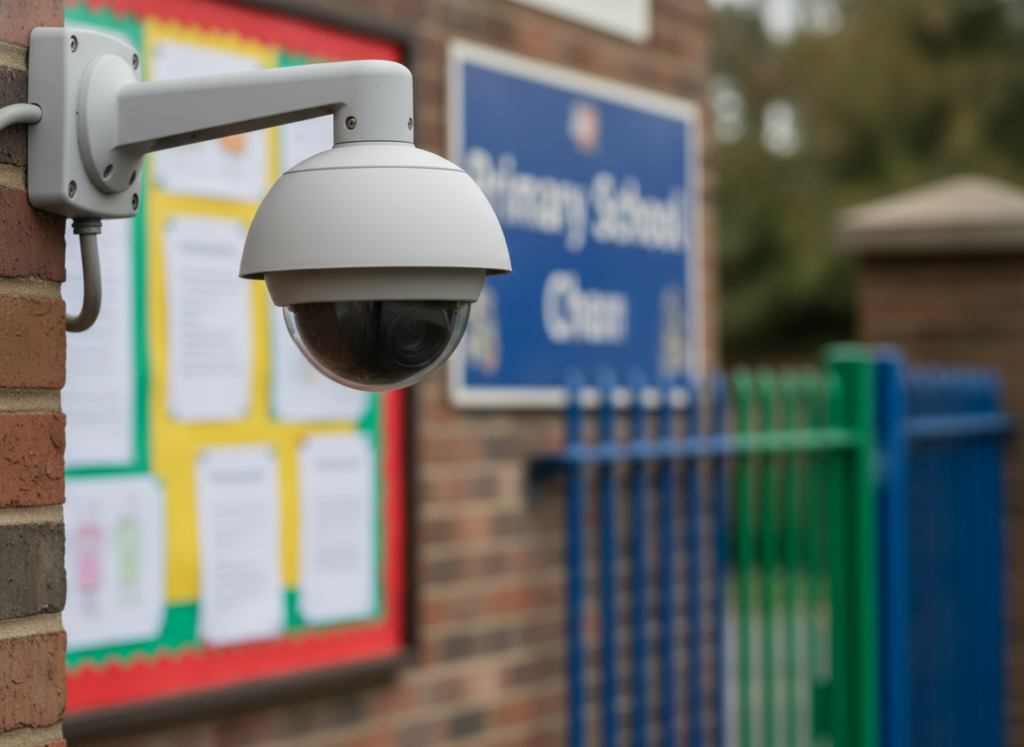
How to manage CCTV in schools well
CCTV can be a helpful part of a wider school security and safeguarding approach — but it only works well when it is specified properly and managed lawfully.
This guide walks through what to include in a CCTV specification (so you get the right coverage and image quality), and the key UK GDPR/data protection essentials to build into your procurement and day-to-day operation.
What CCTV should (and should not) be used for in schools
Before you write a spec, be clear about the purpose. Common, justifiable purposes include:
- Deterring and investigating crime (theft, vandalism, trespass)
- Supporting site security and safer access to buildings
- Monitoring higher-risk areas (for example entrances, car parks, bike sheds)
CCTV is usually not appropriate for routine staff performance management, and it should not be installed in places where people expect a high level of privacy (for example toilets or changing areas).
If safeguarding is part of the rationale, keep the wording precise: CCTV may support safer site management, but it does not replace supervision, safer recruitment, training, visitor management or clear reporting routes.
Step 1: Map your site and define coverage
A good CCTV system starts with a simple coverage plan.
Do this first
- Mark entrances/exits, reception, car parks, perimeter lines, and any outbuildings
- Identify “pinch points” where incidents are more likely (corridors near exits, isolated walkways)
- Note lighting conditions (winter afternoons, glare, shadows, night-time)
Decide what each camera needs to achieve
For each location, state whether you need:
- Overview (general scene awareness)
- Recognition (recognise someone known to the school)
- Identification (clear enough to identify an unknown person)
This matters because it affects lens choice, camera placement, and resolution.
Step 2: Key CCTV specification items (what to include in your RFQ)
Below are the items that most often cause problems if they are missed.
1) Camera types and placement
Ask suppliers to propose camera types suitable for each area, for example:
- Fixed dome/turret cameras for entrances and internal areas
- Bullet cameras for external coverage
- PTZ cameras only where active monitoring is realistic (they are not always the best default)
Specify constraints:
- No cameras pointing into neighbouring homes
- Avoid capturing public pavements/roads unless necessary
- Avoid classrooms unless there is a clear, documented justification
2) Image quality (resolution, frame rate, low light)
In your RFQ, ask for:
- Proposed resolution per camera (based on identification vs overview needs)
- Low-light performance approach (IR, sensor capability, supplementary lighting)
- Frame rate assumptions for key areas (entrances typically need more than a quiet corridor)
3) Storage and retention
Storage is both a technical and GDPR issue.
Include:
- Where footage is stored (on-site NVR/DVR, cloud, hybrid)
- How many days’ retention you require (and why)
- How storage is sized (number of cameras, bitrate, motion detection settings)
Keep retention proportionate. Many schools choose a short default retention (for example a few weeks) unless there is a specific reason to keep footage longer.
4) Access control, permissions and audit logs
You want to be able to prove who accessed footage and why.
Include requirements for:
- Named user accounts (no shared logins)
- Role-based access (admin vs viewer)
- Audit logs (access, export, deletion)
- Two-factor authentication where available
5) Exporting footage (evidence handling)
Ask how footage can be exported for incidents.
Your spec should cover:
- Export format and watermarking
- How clips are securely shared with police/local authority where appropriate
- Chain-of-custody approach (who exports, who approves, where it is stored)
6) Cybersecurity basics for CCTV systems
CCTV systems are part of your IT risk surface.
Include:
- Default passwords must be changed on install
- Firmware update policy and responsibility
- Network segmentation/VLAN recommendations
- Remote access approach (avoid open ports; use secure methods)
7) Maintenance, support and warranties
Include:
- Support hours and response times
- Fault reporting process
- Preventative maintenance schedule
- Warranty length and what is included
Step 3: GDPR and data protection essentials (school-friendly)
Schools are data controllers for CCTV footage. You need to be able to show you have considered necessity, proportionality and transparency.
Lawful basis and purpose
Document:
- Why CCTV is needed
- What risks it addresses
- Why less intrusive measures are not sufficient on their own
DPIA (Data Protection Impact Assessment)
A DPIA is commonly required for CCTV because it involves systematic monitoring.
Your DPIA should cover:
- Areas covered and why
- Who can access footage
- Retention period
- How data subject rights requests will be handled
If your MAT or local authority has a DPIA template, use that.
Signage and transparency
You must tell people CCTV is in operation.
Ensure:
- Clear signs at entrances and in monitored areas
- Signs explain the purpose and who to contact
- Your privacy information (or CCTV policy) is easy to find
Retention and deletion
Set a retention period and stick to it.
- Keep footage only as long as necessary
- Have a process for secure deletion
- Document exceptions (for example, footage retained for an active investigation)
Subject access requests (SARs)
Have a plan before you need it.
- Who receives and manages SARs
- How you will redact third parties where required
- Typical timescales and escalation route
Sharing footage
Be clear about when footage may be shared and with whom.
- Police requests: record the request and what was shared
- Safeguarding: follow your safeguarding policy and escalation routes
- Avoid informal sharing (for example sending clips via personal email/WhatsApp)
A simple procurement checklist (copy/paste)
Use this checklist when comparing quotes:
- Coverage plan agreed (entrances, perimeter, car parks, pinch points)
- Each camera has a defined purpose (overview/recognition/identification)
- Image quality suitable for lighting conditions (including winter afternoons)
- Storage sized correctly and retention period defined
- Named accounts, role-based access and audit logs included
- Secure export process and evidence handling agreed
- Cybersecurity approach confirmed (updates, passwords, segmentation)
- Signage, policy wording and DPIA support included
- Maintenance, warranty and response times confirmed
- Total cost of ownership clear (hardware, licences, cloud storage, support)
Find trusted security suppliers
Look for suppliers displaying the Education Supplier Badge

Common pitfalls to avoid
- Buying “high resolution” cameras without confirming they will actually identify faces at the required distance
- Over-retaining footage “just in case” without a clear justification
- Shared logins and no audit trail
- Remote access set up insecurely
- Cameras positioned in ways that capture neighbouring property or unnecessary public areas
Next step
If you are planning a wider security refresh, use the hub to make sure CCTV is aligned with visitor management, access control and safeguarding processes.
Back to hub
School Security & Safeguarding: Planning & Procurement Hub School Security & Safeguarding: Planning & Procurement Hub – incensu.co.uk
More guides in this hub
- Visitor management and access control in schools
- Cybersecurity and online safeguarding: what good looks like
- Safeguarding training and induction: what to check