
PROCUREMENT HUB
Plan and procure school security and safeguarding improvements with a simple checklist, clear specification prompts and trusted supplier guides for common projects — designed for schools, academies and multi-academy trusts.
Useful for headteachers, DSLs, SBMs, site teams and MAT estates/operations leads.
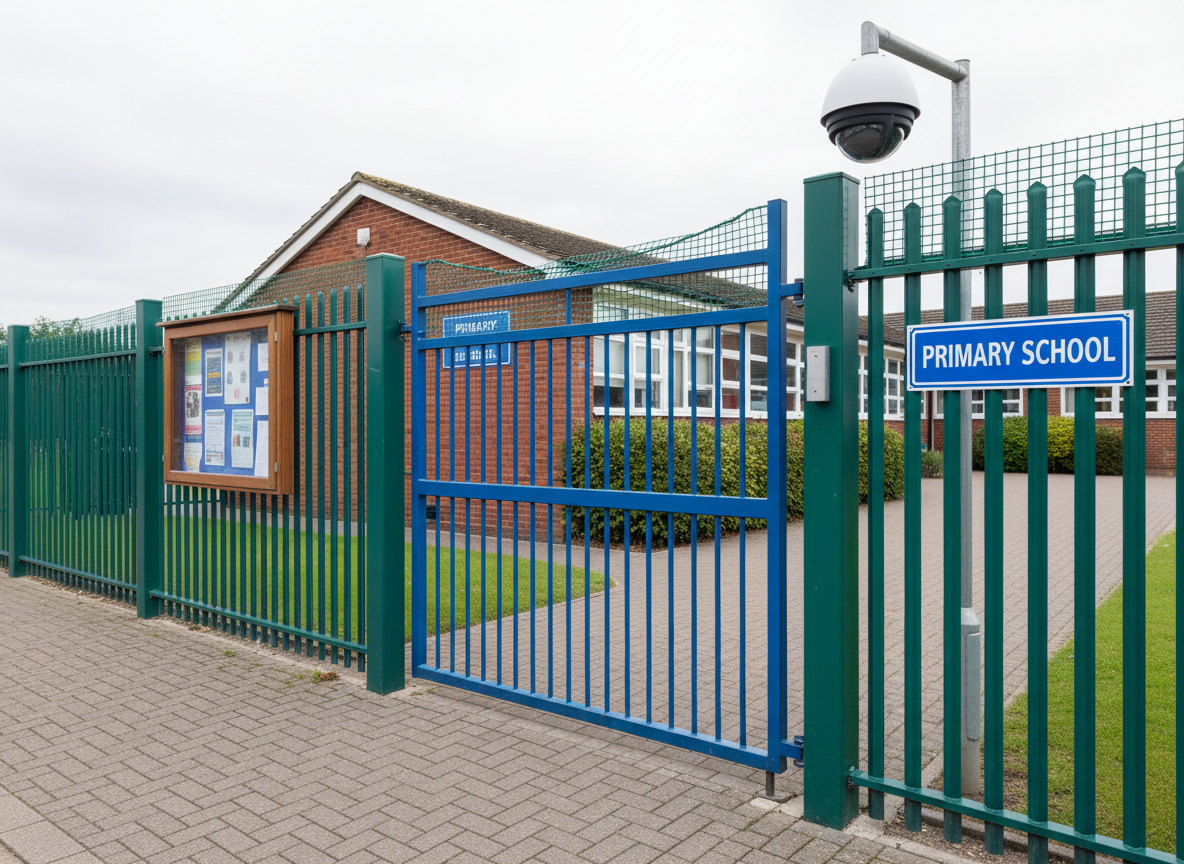
A quick set of checks to run before pupils return and again after the first half term.
Use this timeline to keep procurement, lead times and site compliance on track.
Clarify the risk and outcome you need, then confirm scope (single school, shared site or MAT wide). Draft a simple one page specification and agree budget, responsibilities and the procurement route.
Shortlist trusted suppliers and issue an RFQ so you can compare like for like. Ask for evidence of education experience and support arrangements, and for software solutions book a demo and confirm how escalation will work.
If you’re comparing systems, use our guide to visitor management and access control in schools to shape your spec and questions.
Select your preferred supplier, confirm the implementation plan and day to day ownership. Finalise GDPR and data protection documentation, schedule installation or rollout dates. Brief staff and/or provide training.
For CCTV projects, see CCTV in schools: specification and GDPR essentials before you finalise retention, access and permissions.
Complete installation or rollout, run the handover, and test key scenarios such as visitor entry, lockdown procedures and safeguarding escalation. Capture any issues early, adjust processes, and set a review date.
For online monitoring and escalation, read Cybersecurity and online safeguarding: what good looks like and check staff onboarding using Safeguarding training and induction: what to check.
Browse categories to find trusted suppliers for school security, safeguarding and online safety.
Use these practical guides to plan specifications, compare quotes and keep works on track.
What to specify, what to ask suppliers, and common pitfalls that create safeguarding gaps.
A practical guide to coverage, retention, access controls and day-to-day operation.
How to choose solutions that support monitoring, reporting and escalation without overwhelming staff.
How to confirm training, induction and reporting routes are in place when staff, volunteers or third parties are involved.
Quick answers to common questions schools and trusts ask when planning security and safeguarding.
You may also find these hubs useful for compliance planning, contractor management and value for money.