
This guide is part of our School Security & Safeguarding: Planning & Procurement hub. For the full timeline and procurement checklist, visit School Security & Safeguarding: Planning & Procurement Hub | Incensu
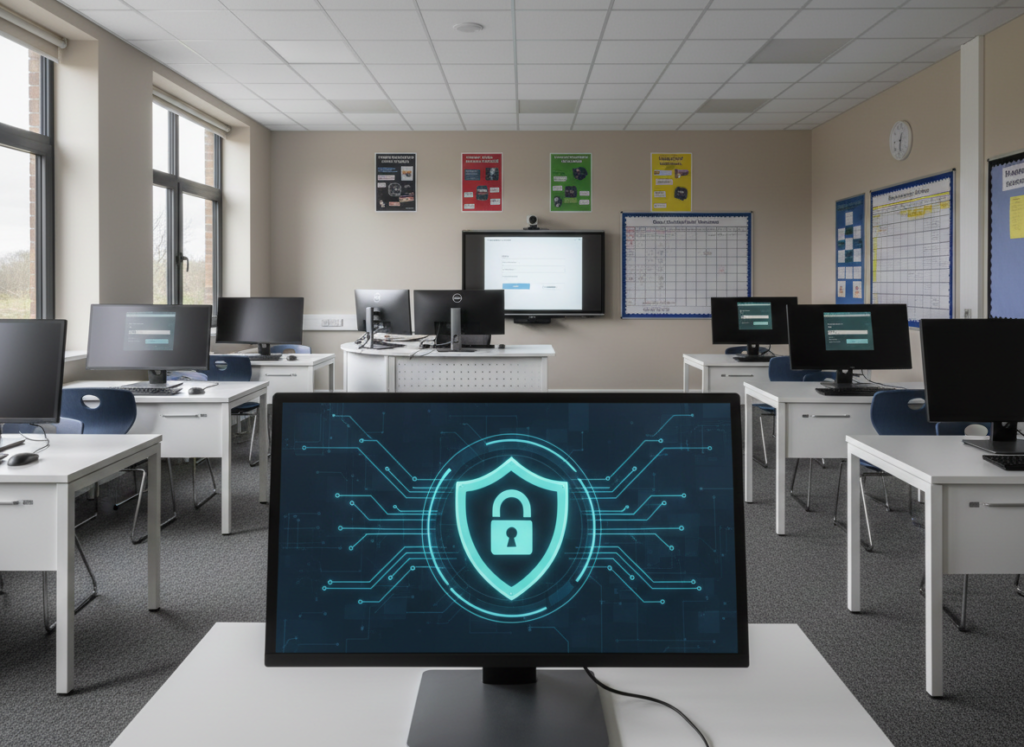
How cybersecurity and online safeguarding in schools overlap
Cybersecurity and online safeguarding overlap more than most schools would like. A phishing email, a weak password, or an unmanaged device can quickly become a safeguarding issue if it leads to data loss, account compromise, or pupils accessing harmful content.
This guide is written to work for DSLs, SBMs, MAT leaders and IT leads. It focuses on what “good” looks like in practice, and what to ask suppliers so you can buy the right solution and run it safely.
What “good” looks like (in one paragraph)
Good cybersecurity and online safeguarding is not one product. It is a joined-up set of controls: clear responsibilities, sensible technical protections (especially around accounts and devices), filtering and monitoring that supports safeguarding rather than creating noise, staff who know what to do, and an incident process that is rehearsed and documented.
1) Start with roles and responsibilities (so nothing falls between teams)
Before you buy anything, agree who owns what:
- DSL / safeguarding team: what needs escalating, what counts as a safeguarding concern, how monitoring alerts are handled, and how pupils are supported
- SBM / operations: procurement, contracts, policies, and making sure the school can evidence what it is doing
- IT lead / provider: technical configuration, account security, device management, patching, backups, and incident response
- MAT leaders (if applicable): standards across schools, reporting, and shared services
A simple way to avoid gaps is to write a one-page “who does what” for:
- Filtering and monitoring alerts
- Suspicious emails / phishing reports
- Lost devices
- Account compromise
- Data breaches
2) Filtering and monitoring: keep it safeguarding-led and proportionate
Filtering and monitoring should support safeguarding, not overwhelm staff.
What to look for
- Age-appropriate filtering that can be tuned by key stage
- Clear categories and reporting (not just “blocked/allowed”)
- Monitoring alerts that are meaningful (self-harm, violence, sexual content, extremism indicators) with configurable thresholds
- Context for alerts (what was searched, when, on which device/account)
- A workflow for triage (who sees alerts first, what gets escalated to the DSL, what is logged)
Questions to ask suppliers
- What content categories are blocked by default, and how can we adjust them?
- How do you reduce false positives?
- Can we set different policies for staff vs pupils, and by age group?
- What does an alert look like, and how do we evidence actions taken?
- How is data stored, and for how long?
3) Accounts and access: the highest-impact controls for most schools
If you do nothing else, tighten account security. Many incidents start with compromised credentials.
What good looks like
- Multi-factor authentication (MFA) for staff accounts (and admin accounts as a minimum)
- Strong password policy and no shared accounts
- Role-based access (least privilege)
- Leavers process (accounts removed promptly)
- Admin accounts separated from day-to-day accounts
Practical procurement wording
Ask suppliers/IT to confirm:
- MFA is enabled and enforced for staff/admin
- Audit logs are available for sign-ins and admin actions
- Remote access is secured (no “open ports” approach)
4) Devices and patching: reduce risk quietly in the background
Unpatched devices and unmanaged apps create avoidable risk.
What good looks like
- A clear inventory of devices (including staff laptops, pupil devices, shared devices)
- Regular patching for operating systems and key apps
- Managed antivirus/endpoint protection where appropriate
- Safe configuration for browsers and extensions
- A plan for BYOD (if used) or a clear “no BYOD” position
5) Email and phishing: assume it will happen and plan for it
Phishing is one of the most common routes into school systems.
What good looks like
- A simple “report phishing” route for staff
- Staff know the red flags (urgency, payment changes, login links)
- A process for checking bank detail changes (two-person verification)
- A plan for what happens if someone clicks (reset, isolate, review)
6) Data protection essentials (UK GDPR) you should build in from the start
Cybersecurity and safeguarding tools often process personal data. Schools need to be confident about how data is handled.
What to check
- What personal data is collected (pupil names, usernames, device IDs, browsing activity)
- Who can access it and why
- Where it is stored and how long it is kept
- How it is secured (encryption, access controls, audit logs)
- How you handle subject access requests (SARs) where relevant
Compliance link (helpful reference)
For a clear overview of UK GDPR responsibilities and principles, see the ICO’s guidance: https://ico.org.uk/for-organisations/uk-gdpr-guidance-and-resources/
7) Incident response: a calm, rehearsed plan beats a perfect policy
When something goes wrong, speed and clarity matter.
What good looks like
- A named incident lead (and deputy)
- A short checklist for the first hour (contain, assess, communicate)
- A decision route for safeguarding escalation to the DSL
- A process for recording actions and lessons learned
A simple procurement checklist (copy/paste)
Use this when comparing suppliers or reviewing your current setup:
- Roles agreed (DSL/SBM/IT/MAT) for alerts, incidents and escalation
- Filtering is age-appropriate and configurable by key stage
- Monitoring alerts are meaningful and have a clear triage workflow
- Staff/admin accounts protected with MFA and role-based access
- Device inventory exists and patching is routine
- Phishing reporting route is in place and staff are trained
- Data handling is clear (what is collected, retention, access, audit logs)
- Incident response plan exists (first-hour checklist + safeguarding escalation)
- Supplier support and response times are clear
- Total cost of ownership is understood (licences, onboarding, training, reporting)
Common pitfalls to avoid
- Buying a monitoring tool without agreeing who will triage alerts (and when)
- Over-collecting data “just in case” without a clear purpose and retention period
- Shared logins and weak admin controls
- Assuming your IT provider “has it covered” without documented responsibilities
- Treating cybersecurity as separate from safeguarding (or vice versa)
Next step
If you are reviewing security more broadly, make sure your cyber controls align with visitor management, CCTV and safeguarding processes so the whole approach works together.
Back to hub
School Security & Safeguarding: Planning & Procurement Hub School Security & Safeguarding: Planning & Procurement Hub – incensu.co.uk
More guides in this hub
- Visitor management and access control in schools Visitor management and access control in schools – incensu.co.uk
- CCTV in schools: specification and GDPR essentials CCTV in schools: specification and GDPR essentials – incensu.co.uk
- Safeguarding training and induction: what to check Safeguarding training and induction: what to check – incensu.co.uk